Free Minecraft tools that feel like magic.
Turn photos into blocks, paint skins in 3D, fix crashes and plan perfect builds.
66 tools · Java & Bedrock · runs in your browser · no login
Ctrl + K · search anywhere
Or drop a picture on the character.
Pick your goal
Start from what you want to do. Each goal opens the tools made for it.
 This week's skin contestA new theme every Monday. Make a skin, enter it, then judge others in quick duels.Enter now →
All tools
All 66 tools, grouped the way players look for them. Every one is free and runs in your browser.
Crashes, errors and lag, diagnosed on your own device.
Your seed's biomes, structures and slime chunks on a map.
Nether travel, XP levels, stacks and chunks, worked out.
Coloured MOTDs, server messages and setup helpers.
Fancy letters and colour codes to copy and paste.
Skins, bingo cards and fancy text to make and share.
Why PickaxeKit
 Exact numbersEvery block count comes from the same generator you use, never typed by hand.
 Made for phonesBig buttons, layer steppers and grids you can scroll while you build.
 Private by defaultTools run in your browser. Only skins you choose to publish are uploaded.
 Share any resultEvery setting lives in the link, so a friend sees exactly what you see.
What is PickaxeKit?
PickaxeKit is a free website of 66 Minecraft tools for Java and Bedrock players. You can turn a photo into pixel art made of real blocks, paint a skin on a 3D character, find villages and slime chunks on a seed map, work out the cheapest enchantment order, plan circles, spheres and domes layer by layer, and check whether a server is online. Every tool runs in your browser, so it is fast, works on a phone and keeps your files private: nothing is uploaded unless you choose to publish a skin. All numbers come from the game's own data and the same code that draws the tool, and every page explains how the result is worked out. PickaxeKit is made by an independent developer and is not affiliated with Mojang or Microsoft.
Guides
All 18 guides →Step-by-step help written around the tools, with the numbers worked out.
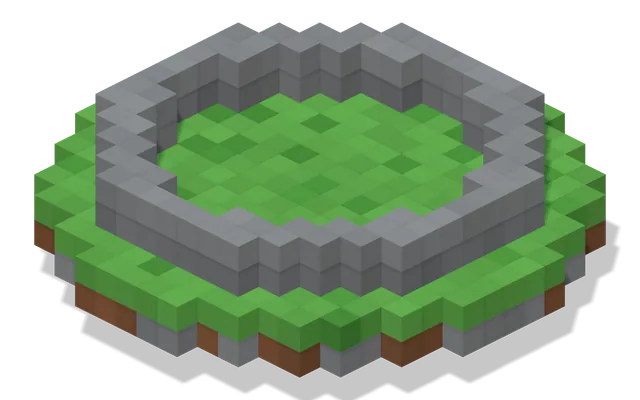 How to Build a Circle in MinecraftBuild a perfect circle in Minecraft with a block-by-block plan.
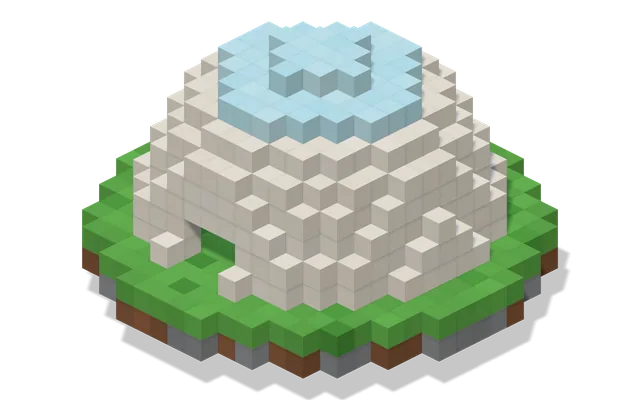 How to Build a Dome in MinecraftBuild a round dome in Minecraft one layer at a time.
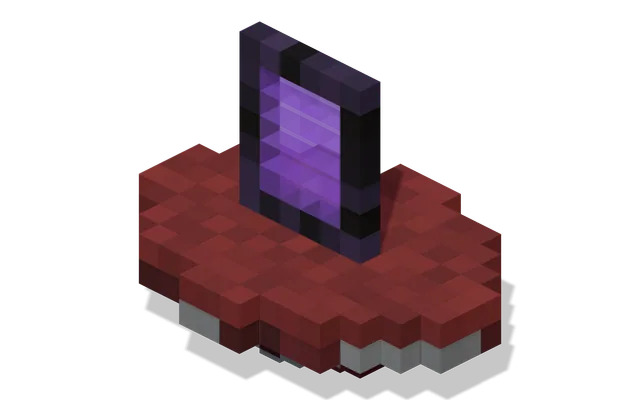 How to Link Nether Portals in MinecraftLink two Nether portals every time: divide Overworld X and Z by 8, build at that spot in the Nether, and avoid portals sending you to the wrong place.
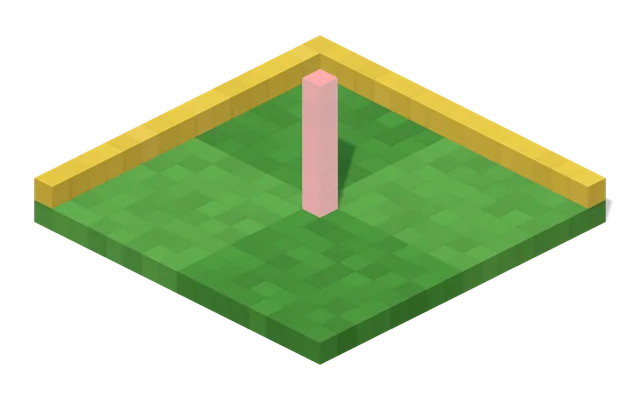 Minecraft Chunks ExplainedWhat a Minecraft chunk is, how big it is, how to find chunk borders, and how chunks group into region files.
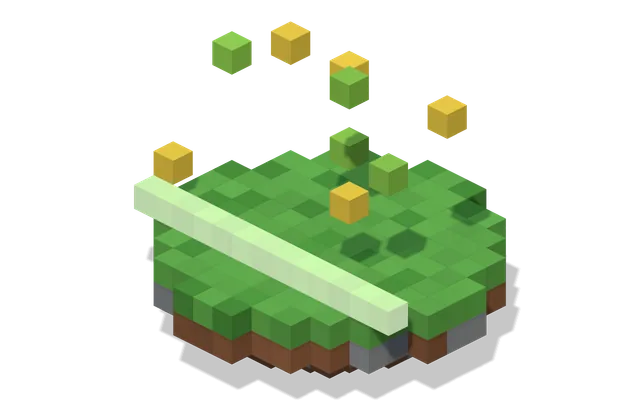 How to Get XP Fast in MinecraftThe most reliable ways to earn XP in Minecraft survival, how many points level 30 really takes, and how to stop wasting levels on enchanting and repairs.
 How to Play Minecraft With FriendsAll the ways to play Minecraft with friends on Java and Bedrock: same Wi-Fi with LAN, your own server, Realms, hosting and online friends lists.